Are Treadmills Accurate for Distance? What Works and What Doesn’t
Are treadmills accurate for distance? Generally, yes. They measure distance based on belt rotations, which is mechanically precise. Calibration and maintenance mostly determine how close the displayed distance is to the actual distance you run.
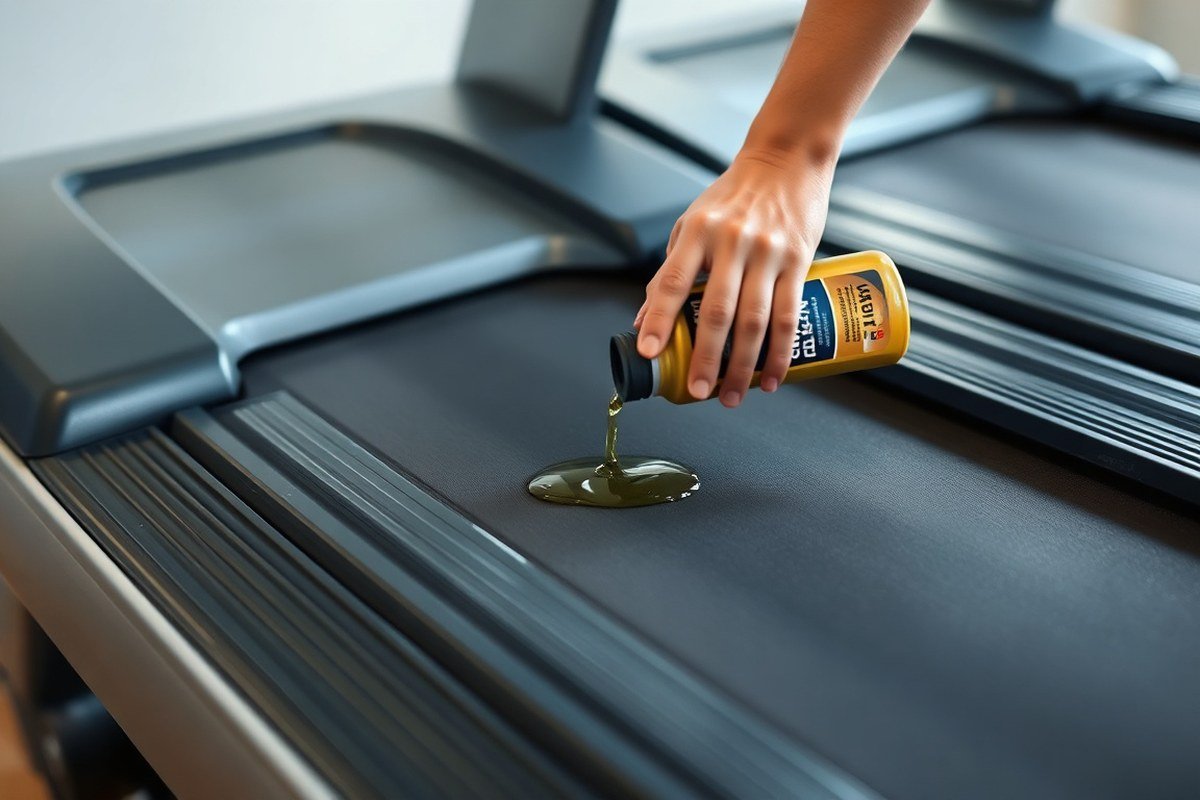
Start by regularly lubricating your treadmill belt to maintain smooth movement and better accuracy. Doing this every three months helps prevent bigger errors over time.
Key Takeaways
- Commercial treadmills usually have distance errors between ±0.5% and ±2% when well calibrated.
- Home treadmills out of the box may show 2% to 6% distance error, requiring calibration or adjustment.
- A treadmill showing a 3% high reading means you should multiply displayed distance by 0.97 for real distance.
- Adding a 1-2% incline simulates outdoor effort but does not affect distance measurement accuracy.
- Poorly maintained or older treadmills can have errors exceeding ±10%, significantly impacting training.
- Consistent lubrication of the belt every three months helps maintain distance accuracy and equipment longevity.
How Accurate Are Treadmills at Measuring Distance?
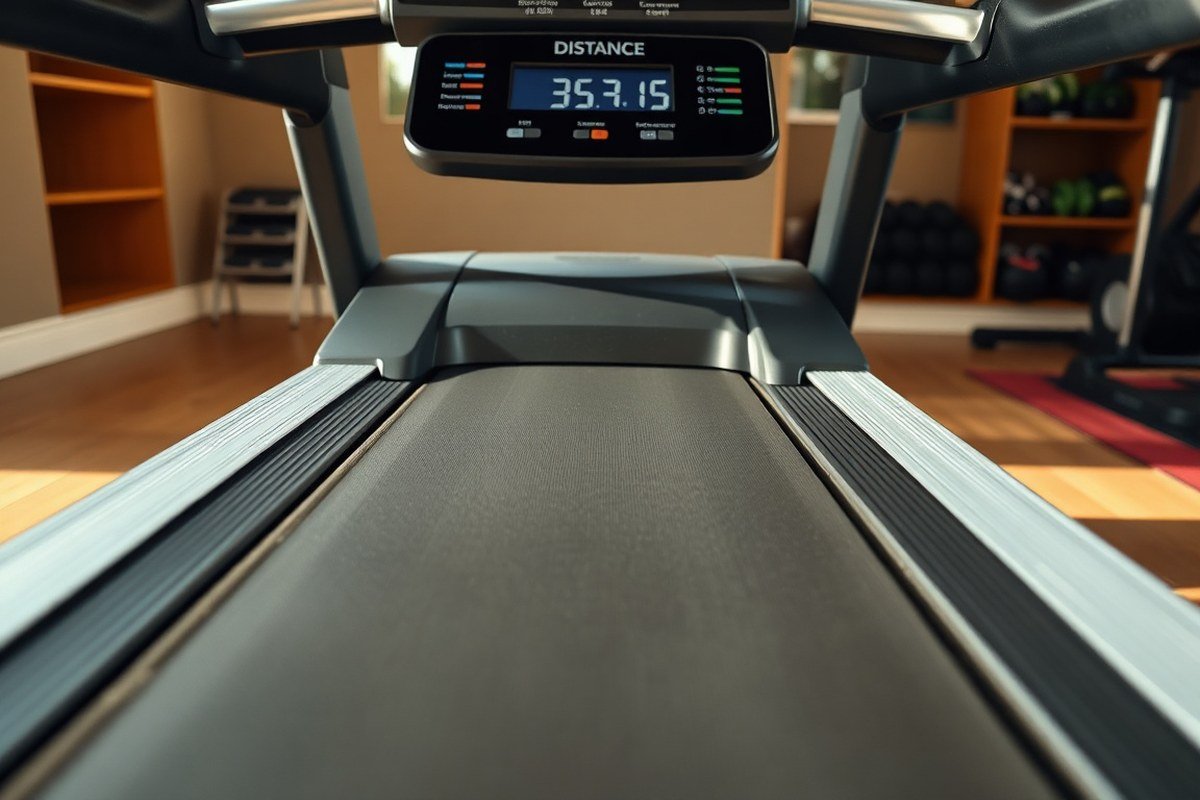
Treadmills measure distance by tracking how far the belt moves beneath your feet. This measurement depends on the belt’s revolutions, which are counted by sensors connected to the treadmill’s motor or rollers. Each full belt rotation corresponds to a set linear distance, typically equal to the belt’s length. The treadmill’s computer calculates your distance by multiplying the number of rotations by that length.
Most manufacturers claim their treadmills provide distance readings accurate within about 1%. This means if you run a displayed mile, you could have actually covered anywhere from 0.99 to 1.01 miles. While this sounds precise, small mechanical factors like belt slippage, sensor calibration, or minor speed fluctuations can cause slight inaccuracies. For example, if your treadmill belt is supposed to be 12 feet long but is actually 11.8 feet due to wear, your displayed distance over a 5000-foot run could be off by around 3.3%. In that case, the treadmill might show 5000 feet, but you really ran about 4833 feet. You can adjust for this by applying a correction factor: multiply your recorded treadmill distance by the ratio of true belt length to measured belt length (e.g., 11.8/12 = 0.983). Doing this keeps your training data more precise.
Distance measurements on treadmills remain mechanically precise in a controlled setting, making them reliable for tracking general cardio workouts or steady runs. Treadmills maintain consistent belt movement, reducing variability seen with outdoor running surfaces. This reliability makes treadmill distance accurate enough for most users focused on fitness rather than strict race pace monitoring.
Some runners notice treadmill distances feel off compared to outdoor runs. This difference results from environmental factors like air resistance and terrain variation, not measurement flaws. Therefore, using treadmill distance as a fitness metric works well, but supplementing with outdoor running is advisable for exact race pacing.
Key Factors That Influence Treadmill Distance Accuracy
Machine factors play a major role in treadmill distance accuracy. The device calculates distance from belt revolutions and the programmed belt length. However, differences in belt length, roller diameter, and sensor placement cause variations in reported distance. Belt wear and stretching increase slack, making the belt rotate more than usual for the same foot strike. This leads the treadmill to overestimate distance by up to 20 percent over time if not recalibrated. Regular maintenance, including belt tension adjustments, helps keep accuracy within a reasonable range.
Your Running form and technique can also impact how well the treadmill measurement matches real-world distance. The treadmill assumes each footstep covers the entire belt width, but runners often alter stride length, foot placement, or contact time. These changes are not detected by the machine’s mechanical sensors, which only count belt rotations. Unlike GPS, the treadmill ignores your actual movement pattern, sometimes causing distance errors especially if you shuffle or hold onto handrails.
Environmental conditions such as extreme temperatures or humidity have an indirect effect. Heat can cause belt materials to expand, slightly changing belt length and sensor function. Treadmill age also matters. Older machines often face cumulative belt wear, loosened rollers, and sensor drift, all of which degrade the accuracy of distance measurements unless the treadmill undergoes regular calibration. Newer digital models typically feature better sensor systems and calibration options, but accuracy still depends on care and maintenance practices.
Comparing Treadmill Accuracy Across Brands and Models
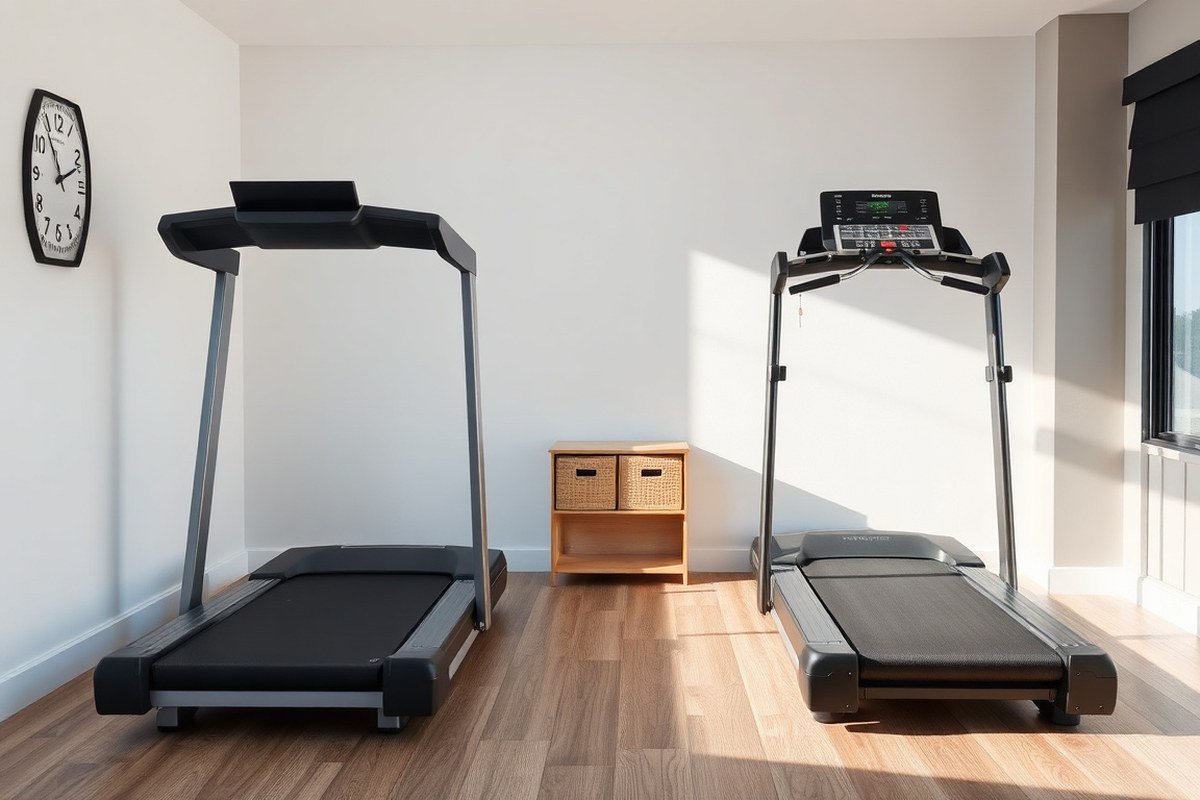
Treadmill accuracy varies by price and type, with Commercial gym models generally providing the closest distance measurements. These high-end machines often show errors within ±0.5% to ±2%, thanks to superior sensors and higher-quality belt materials. In contrast, many budget home treadmills have accuracy ranges between 5% to 10% error, which means the reported distance can differ significantly from the actual distance run.
Mid-range treadmills fall somewhere in between, with some models surprisingly outperforming certain premium units. This variation occurs because Price doesn’t always guarantee accuracy. Factors like belt tension, sensor placement, and speed calibration contribute more to precision than brand or cost alone. Commercial machines receive regular maintenance and calibration in gyms, which also helps maintain their accuracy over time.
Home treadmills typically require more user-led maintenance, such as belt lubrication and sensor cleaning, to retain accuracy. Maintenance costs for high-end and commercial models are often covered or professionally handled, while budget treadmill owners might spend $50 to $100 annually on simple upkeep. As treadmills age, their distance readings may drift, making it important to test accuracy periodically using a known distance and adjust your expectations.
Brands known for better accuracy often offer features like digital calibration tools or advanced motion sensors. Test accuracy by running a set distance on the treadmill and comparing it to GPS or a measured track. If you notice consistent discrepancies, apply a correction factor to your distance or consult the treadmill’s manual for recalibration steps. Well-maintained commercial treadmill users can usually trust the machine’s readings with minimal correction.
How to Test and Calibrate Your Treadmill for Distance Accuracy
Start by measuring a fixed, known distance using a measuring wheel or tape on a flat surface indoors or on a smooth outdoor track. Ideally, choose a distance of at least 0.5 miles (0.8 kilometers) for better accuracy. Walk or run this distance on the treadmill at a constant speed similar to your usual workout pace, and note the distance the treadmill display shows. Compare this to the actual measured distance to see how much your treadmill over- or underestimates distance.
For calibration, first check the treadmill’s manual for specific steps as models vary. Commonly, you may find a calibration mode in the settings to adjust the distance calibration factor. For example, if your treadmill shows 0.52 miles but the measured distance was 0.5 miles, reduce the calibration value by about 4% to correct this discrepancy. Some treadmills require manually adjusting belt speed sensors or inputting the belt length, which can affect distance calculation.
In the absence of manual calibration, you can use a calibrated footpod or GPS watch as a supplementary device for more consistent distance tracking indoors. These tools typically cost between $50 and $150 and provide reliable pace and distance data, especially when race-accuracy matters. Keep in mind that treadmill distance may never be perfectly precise due to inherent sensor limitations and belt slippage.
Perform distance tests every one to three months or whenever you notice a change in treadmill performance, like new belt wear or altered speed responsiveness. Frequent checks help catch growing errors before they impact your training. Use consistent speed, incline set to zero, and the same treadmill settings each time to ensure comparable results.
When to Trust or Adjust Treadmill Distance for Effective Training
Trusting treadmill distance readings depends on regular calibration and knowing your machine’s tendencies. You can fully rely on the distance metric when you’ve tested it against a known route or GPS device and adjusted the settings accordingly. For example, running a known 1-mile distance outdoors and comparing it to what the treadmill shows helps you identify any consistent over- or underestimation. Calibration is key and usually involves running at a steady pace over a measured span to let the treadmill correct its calculations.
When your treadmill overestimates distance by about 10 percent, lower your training distance goals by that amount to maintain accuracy in your workouts. This means if you aim for a 3-mile run, setting the treadmill to 2.7 miles will match your real-world effort. Misjudged distances can mislead calorie burn estimates too, often by a similar margin, so tracking your actual effort is better than trusting raw treadmill calorie counts.
Incline settings do not affect how treadmills calculate distance because they count belt rotations regardless of angle. However, increasing incline means more effort for the same recorded distance, effectively improving workout intensity without skewing distance data.
For interval training based on distance, you need precision. Use GPS or pre-measured outdoor markers alongside treadmill testing to confirm when intervals start and end. When distance readings on your treadmill aren’t accurate, use time or pace intervals as your guide or modify your distance goals accordingly. Knowing your treadmill’s error margin lets you adapt workout plans smartly to match your race goals and calorie targets.
Step-by-Step Action Plan for Accurate Treadmill Distance Tracking
Use this plan to verify and adjust your treadmill’s distance tracking. Accurate feedback helps you tailor your workouts and meet running goals.
- Before your first run: Review your treadmill’s manual for any built-in calibration instructions or settings related to distance measurement.
- Day 1: Run a known distance outdoors, then immediately run on the treadmill for the same distance at a steady pace. Compare the treadmill’s reading to your outdoor measurement to identify any discrepancies.
- Week 1: Use the treadmill calibration feature if available or adjust the treadmill’s belt length settings based on your previous test. Verify improvement by repeating the known-distance run indoors.
- Every two weeks: Retest the treadmill’s distance accuracy with a consistent test, such as a measured 1-mile run, and make minor recalibrations if needed.
- Monthly: Clean and maintain your treadmill according to the manufacturer’s recommendations to prevent mechanical issues that can affect distance accuracy.
- When changing speed or incline: Note that some treadmills may vary distance tracking with different settings. Test or recalibrate if your workouts frequently change speed or incline.
- During long training phases: Use a GPS watch or app for outdoor runs and compare treadmill mileage occasionally to identify trends in accuracy drift.
- After major repairs or software updates: Run a calibration check and adjust settings again to ensure your treadmill measures distance correctly.
Frequently Asked Questions
Are Treadmill Distance Readings Affected by Running Style?
Yes, your running style can impact treadmill distance accuracy because uneven foot strikes may cause varied belt movement, slightly changing the measured distance. Consistent form helps maintain closer accuracy.
Can Treadmill Incline Settings Influence Distance Accuracy?
Incline changes do affect distance measurements since the belt travels differently at angles. Treadmills calculate distance as horizontal belt movement, so incline can create minor discrepancies in total distance displayed.
Do Treadmill Age and Maintenance Impact Distance Accuracy?
Worn parts and poor maintenance often reduce accuracy by causing irregular belt movement or sensor errors. Regular upkeep improves reliability and keeps distance readings closer to real values.
Is Treadmill Distance More Accurate Than GPS for Indoor Runs?
Typically yes, treadmills track belt rotations directly, making distance measurement more stable indoors than GPS, which can struggle with satellite signals inside buildings.
How Do Treadmill Calibration Errors Show Up in Distance Tracking?
Calibration errors usually cause consistent over- or under-reporting of distance. You may notice that your treadmill distance doesn’t match outdoor runs, signaling it’s time for a calibration check.
Wrapping Up
Treadmills offer convenient distance tracking but can have slight inaccuracies influenced by calibration, mechanical factors, and settings. Checking and adjusting your treadmill regularly lets you rely on its distance readings for consistent, effective training. Take your next run to test the distance accuracy yourself and adjust your treadmill if necessary before your following workout.