Are Treadmill Distances Accurate? What Actually Works to Verify and Improve
Are treadmill distances accurate? Treadmills usually provide a good estimate, but they often over-report by 1% to 3%. You can verify this by comparing your treadmill distance with a GPS watch or recalibrating the machine for better precision. Starting with a simple test run alongside a reliable GPS device helps identify if your treadmill needs adjustment or maintenance to improve accuracy.
Key Takeaways
- Manufacturers claim treadmill distances are accurate within about 1%, but variations up to 3% are common.
- Small errors build up over long runs, making a 20-mile treadmill session closer to 18 real outdoor miles.
- Compare treadmill distance with a GPS watch during runs to spot consistent over- or under-reporting.
- Tightening treadmill rollers and recalibrating the console can fix discrepancies and restore accuracy.
- Adding a 1-2% incline simulates outdoor effort but doesn’t correct distance measurement.
- Wear on the treadmill belt increases friction, affecting motor function and distance readings over time.
How Accurate Are Treadmill Distance Measurements?
Treadmill distance measurements are generally accurate enough for most training purposes, but the precision depends on the treadmill type and maintenance. Manufacturers often claim accuracy within 1%, which means the treadmill’s reading may vary slightly from the actual distance covered. Well-calibrated commercial treadmills typically fall within a ±0.5% to ±2% error range, providing reliable data for serious runners and gym users. Home treadmills, on the other hand, often have a wider error margin, usually between ±2% and ±6%. This variation results from less frequent calibration, wear over time, and individual running styles.
The treadmill calculates distance by measuring the belt’s rotations and translating them into linear distance. Because this method depends on mechanical components, factors like belt tension and speed sensor accuracy influence results. Your speed consistency also matters; a steady pace yields more accurate distance tracking than frequent speed changes. For walking workouts, distance measurements tend to be more reliable since stride patterns and impact forces are more uniform.
Accuracy of treadmill distance holds up well enough for tracking progress, especially when precise outdoor distance measurement is not important. The treadmill’s distance may slightly overestimate actual effort compared to outdoor running due to the absence of air resistance. Adding a 1-2% incline helps mimic outdoor conditions but doesn’t alter the mechanical accuracy of distance measurement itself. Regular maintenance and calibration are essential to keep these error ranges low and ensure the treadmill provides useful, consistent feedback.
What Factors Cause Treadmill Distance Inaccuracies?
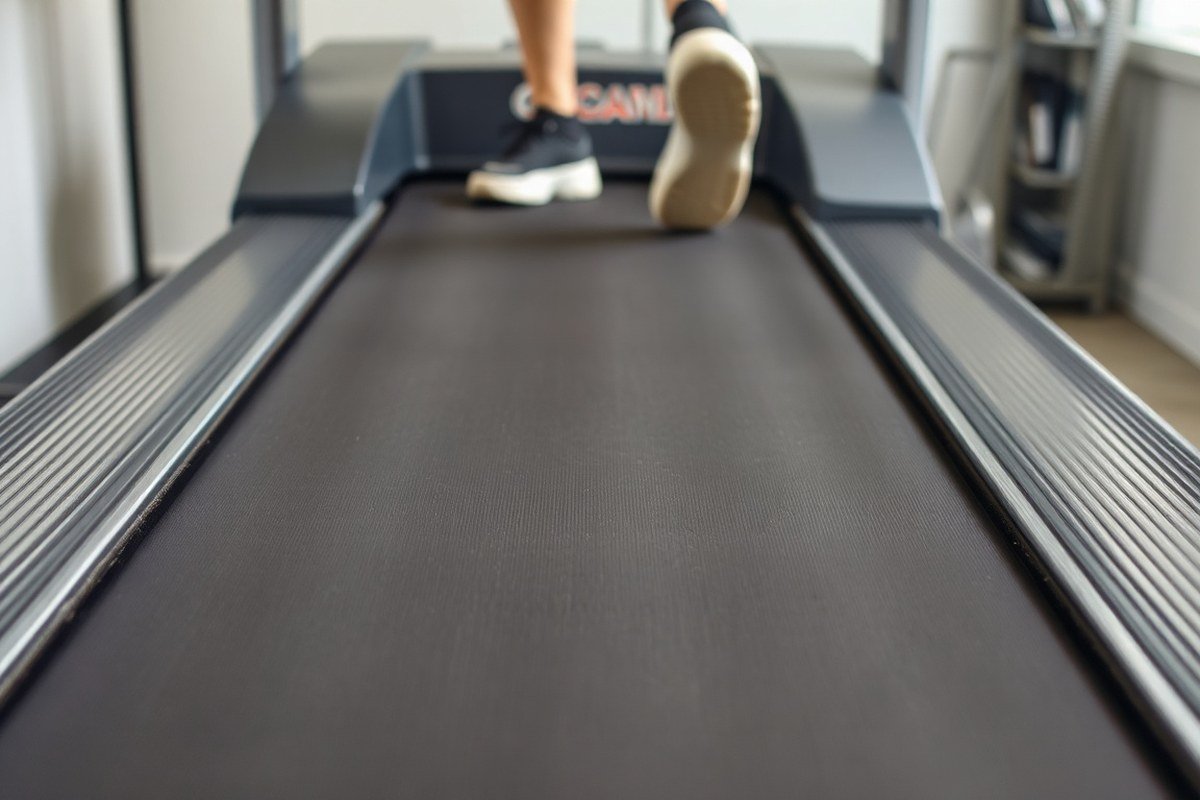
Treadmill distance inaccuracies often stem from mechanical factors like belt tension and wear. A belt that’s too loose may slip during foot strikes, causing the treadmill to underestimate distance. Conversely, excessive friction between the belt and deck can make the motor strain, affecting the belt’s actual speed against the sensor reading. Regularly adjusting belt tension to the manufacturer’s specifications and lubricating the deck as directed helps keep these issues in check. Replacing worn belts or decks can cost anywhere from $50 to $200, depending on the model, but prolongs overall accuracy and treadmill life.
Sensor calibration also plays a key role in distance accuracy. Over time, aging sensors and components can drift, leading to systematic distance errors. Dust or debris on sensors might cause erratic readings. Performing scheduled calibrations and cleaning sensor components, typically every 3 to 6 months, ensures the treadmill’s speed sensor aligns with actual belt movement. Many treadmills include a built-in calibration mode that guides you through this process, offering more reliable data with minimal effort.
User-related factors significantly affect distance readings as well. Running at a steady speed provides stable sensor data and high accuracy. Frequent speed changes, intermittent stops, or gradual acceleration lead to sensor lag and overshoot, causing the treadmill to under- or overestimate distance. Your running form can also impact accuracy since the treadmill doesn’t track stride length or exactly how much of the belt you use each step. Keeping a consistent pace limits these errors.
Environmental conditions like temperature rarely alter distance accuracy directly. However, increased humidity can subtly increase belt friction, slightly skewing measurements over time. Ensuring the treadmill is in a dry, well-ventilated space can reduce this effect. Maintenance routines that include checking roller alignment and belt tension help counteract wear and environmental influences, preserving measurement precision over the treadmill’s lifespan.
How Can You Test and Verify Your Treadmill’s Distance Accuracy?
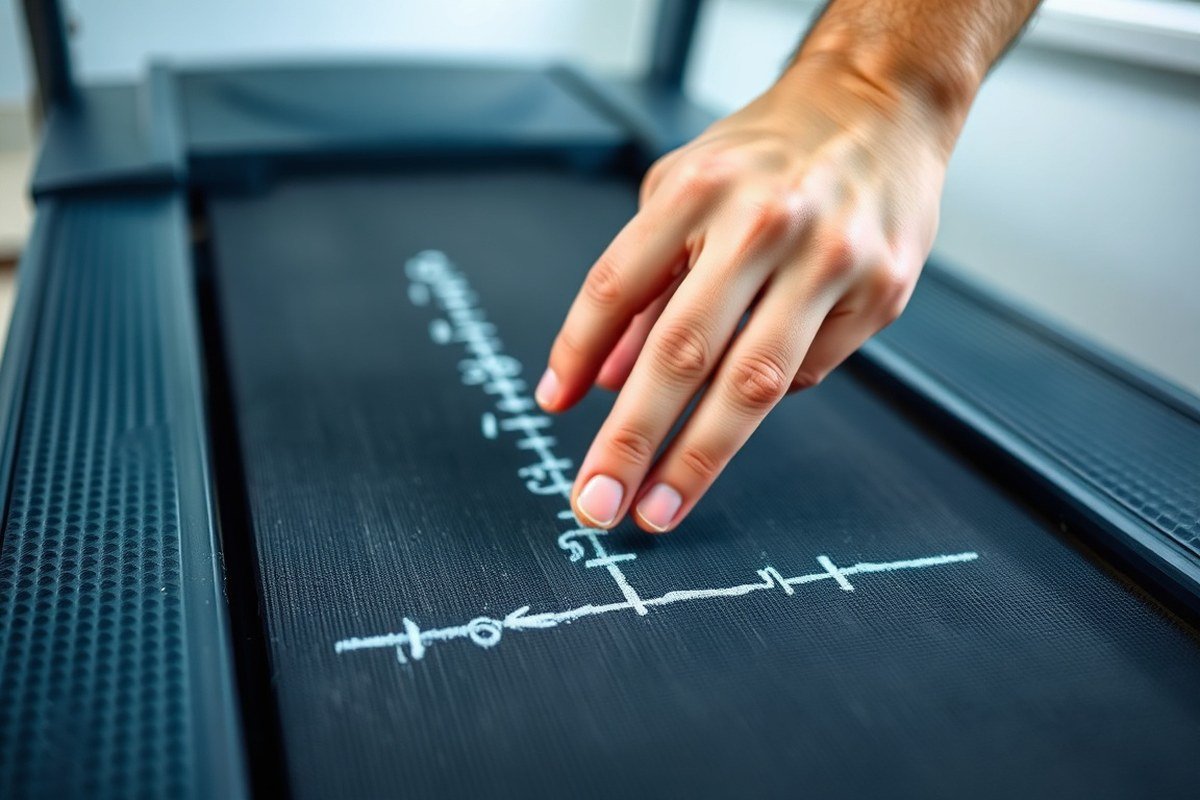
Testing your treadmill’s distance accuracy can be straightforward and cost little to nothing. Start by measuring a known distance on the treadmill belt. Most treadmills display distance based on belt rotations, so verifying the belt length helps check accuracy. First, consult your treadmill’s manual or measure the belt length yourself. To measure, mark the belt at the roller’s edge, then rotate the belt one full turn by hand and measure the length traveled to get the belt’s circumference.
Once you know the belt length, count how many full rotations occur during a run at a constant speed. For example, if the belt length is 10 feet and your treadmill registers that you ran 1 mile (5,280 feet), the belt should have made about 528 rotations. Use a stopwatch or the treadmill’s timer for an exact time frame, run at a steady speed to reduce variation, and manually count or video record the belt rotations to compare with the treadmill’s displayed distance.
Manual measurements are generally reliable if done carefully, but small errors like miscounting rotations or inconsistent belt tension affect results. Repeat the process at different speeds and incline settings to check consistency. If distances differ more than 5% from your calculated value, recalibrating or professional servicing might be needed.
Another practical method is to use a GPS watch to compare your treadmill run outdoors. Run a known distance on a track, then replicate the effort on the treadmill, comparing the two distances. GPS watches vary in accuracy and lag indoors, but this cross-check often reveals if your treadmill distance is off.
Performing these simple checks every few weeks helps you maintain reliable treadmill data. Good results are a close match within a few hundred feet per mile between measured and displayed distances. Significant deviations suggest calibration issues, belt wear, or sensor faults that reduce accuracy.
Comparing Treadmill Distance Accuracy with GPS Watches and Other Devices
Running watches with GPS and treadmills measure distance very differently, which affects their accuracy indoors. Treadmills calculate distance based on belt rotations, so the reading depends on the machine’s calibration. A miscalibrated treadmill can over- or under-report distance. In contrast, GPS watches track your position using satellite signals, but GPS signals weaken or vanish indoors, making direct distance tracking unreliable on treadmills. To work around this, GPS watches switch to an Indoor running mode that estimates distance using accelerometer or step data, which is less precise than actual GPS data outdoors.
Foot pods attach to your shoe to measure stride length and cadence, then estimate distance more directly from your running motion. When used indoors, foot pods can provide distance data that might better match treadmill readings because they rely on your stride rather than belt calibration or satellite signals. However, foot pods have limitations if your treadmill stride differs from your outdoor running style or if you don’t regularly calibrate the pod for treadmill use. For example, if your foot pod measures your stride length based on outdoor runs, treadmill running often shortens your stride and changes cadence slightly, creating distance errors.
Comparisons between treadmill, watch, and foot pod distances often show small but consistent differences. A mid-range treadmill might report 5.0 miles, while a GPS watch’s indoor mode estimates 4.86 miles for the same workout. Foot pods generally offer accuracy similar to a calibrated watch. When you rely on a treadmill’s built-in readout alone, you may see distance reported as slightly longer than your foot pod or watch. The best approach indoors is to cross-reference these tools and calibrate your treadmill regularly. This helps you understand which device’s measurement aligns closest to your pace and stride effort, balancing their specific strengths and weaknesses for more reliable distance tracking indoors.
Practical Tips to Improve and Maintain Treadmill Distance Accuracy
Calibrate your treadmill every 3 to 6 months depending on usage intensity to keep distance measurements accurate. Calibration adjusts the treadmill’s sensors and speed settings to match actual belt rotations and your typical running pace. Some models allow easy user calibration via the control panel, while others may require professional service, which can cost around $50 to $100. Regular calibration corrects gradual drift in belt speed and sensor accuracy, preventing systematic errors in distance tracking.
Daily or weekly Maintenance routines improve reliability by minimizing mechanical wear that distorts distance readings. Keep the belt clean and properly lubricated to reduce slippage and maintain consistent belt rotation speed. Monitor belt tension and alignment as a loose or misaligned belt alters sensor input. Dust and sweat buildup on sensors can also cause erratic data, so clean sensor areas carefully with a dry cloth.
- Wipe the belt and deck weekly to remove dirt and sweat
- Check and adjust belt tension monthly following the manufacturer’s manual
- Lubricate the belt every 3 months or according to usage hours
- Inspect and clean speed sensors monthly with compressed air or lint-free cloth
- Calibrate treadmill speed settings every 3 to 6 months
- Record calibration dates and any changes in distance accuracy
- Monitor for unusual noises or resistance indicating mechanical issues
Using incline strategically can compensate for variations in treadmill distance. Increasing incline by 1% to 2% better simulates outdoor running effort. This helps keep training intensity consistent even if the treadmill distance is slightly off. Adjust your speed or duration when using incline to maintain target effort rather than relying solely on distance metrics.
Consult a professional technician if you notice persistent discrepancies over multiple calibrations, significant belt wear, or if your treadmill’s controls do not allow proper calibration. Professionals can diagnose worn rollers, motor issues, or sensor malfunctions that impact accuracy. Prompt repairs prevent further degradation and maintain reliable data for your training goals.
Your Step-by-Step Action Plan to Verify and Improve Treadmill Distance Accuracy
Follow this plan to check and improve how accurately your treadmill measures distance for better training results.
- Before your next run: Calibrate your treadmill speed and incline settings based on the manufacturer’s instructions to start with accurate baseline data.
- Day 1: Use a GPS watch or smartphone app during a steady treadmill run to compare distances and note any variations.
- Day 2: Measure the treadmill belt length yourself with a tape measure to ensure it matches specifications; adjust if possible to match actual running surface.
- Week 1: Regularly clean and lubricate your treadmill belt and deck to reduce slippage that can distort distance readings.
- End of Week 2: Repeat a controlled 1-mile run on your treadmill and compare distance with your GPS device to confirm calibration improvements.
- Monthly: Review firmware updates for your treadmill and apply them to keep onboard software precise.
- Continuous: Track your treadmill distance alongside outdoor runs using a GPS watch to spot consistent patterns or discrepancies over time.
Frequently Asked Questions
Can Treadmill Distance Accuracy Vary by Treadmill Brand or Model?
Yes, accuracy differs by brand and model due to sensor quality and calibration methods. Higher-end treadmills usually offer more precise distance tracking than budget models, so check manufacturer specs and reviews for typical accuracy ranges before buying.
Does Treadmill Distance Accuracy Change with Workout Intensity?
Treadmill distance readings remain consistent across various intensities, but irregular running form at high speeds can affect sensor accuracy slightly. Steady pace workouts help maintain precision.
Are Treadmill Distance Errors More Common During Running or Walking?
Distance errors are less common during walking because of consistent stride patterns. Running introduces more biomechanical variability, which can slightly influence distance measurements.
Can Temperature or Humidity Impact Treadmill Distance Readings?
Yes, environmental factors like temperature and humidity can affect sensor calibration and belt performance, leading to small distance measurement changes during workouts.
Is Treadmill Distance More Reliable Than Smartphone Step Counters?
Treadmill distance readings are generally more direct and reliable since they measure belt rotations, unlike smartphone step counters that estimate distance from stride counts.
Final Thoughts
Your treadmill’s reported distance can be reliable when you calibrate and maintain the machine properly. Taking simple steps like comparing with a GPS device and keeping the treadmill in good condition helps align its measurements with your actual running effort. Start by pairing your treadmill with a GPS watch during your next workout to check how well those numbers match. This hands-on comparison sets the stage for more accurate and confident training sessions.